


Marco is a photography/videography gear tester based in San Diego. He has reviewed more than 50 lenses across Sony, Nikon, and classic manual‑focus systems, specializing in real‑world testing and creative experiments.
Marco is a photography/videography gear tester based in San Diego. He has reviewed more than 50 lenses across Sony, Nikon, and classic manual‑focus systems, specializing in real‑world testing and creative experiments.
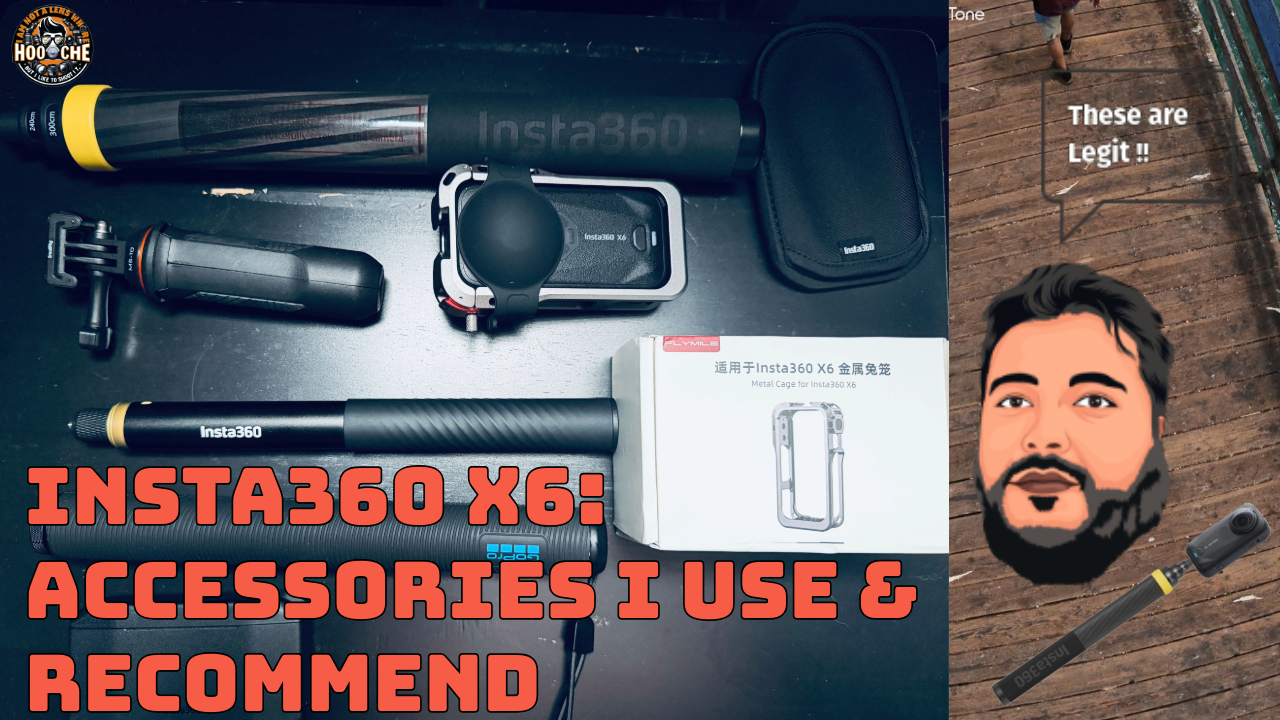
The accessories I use with the Insta360 X6 have become a big part of how I shoot, especially after taking
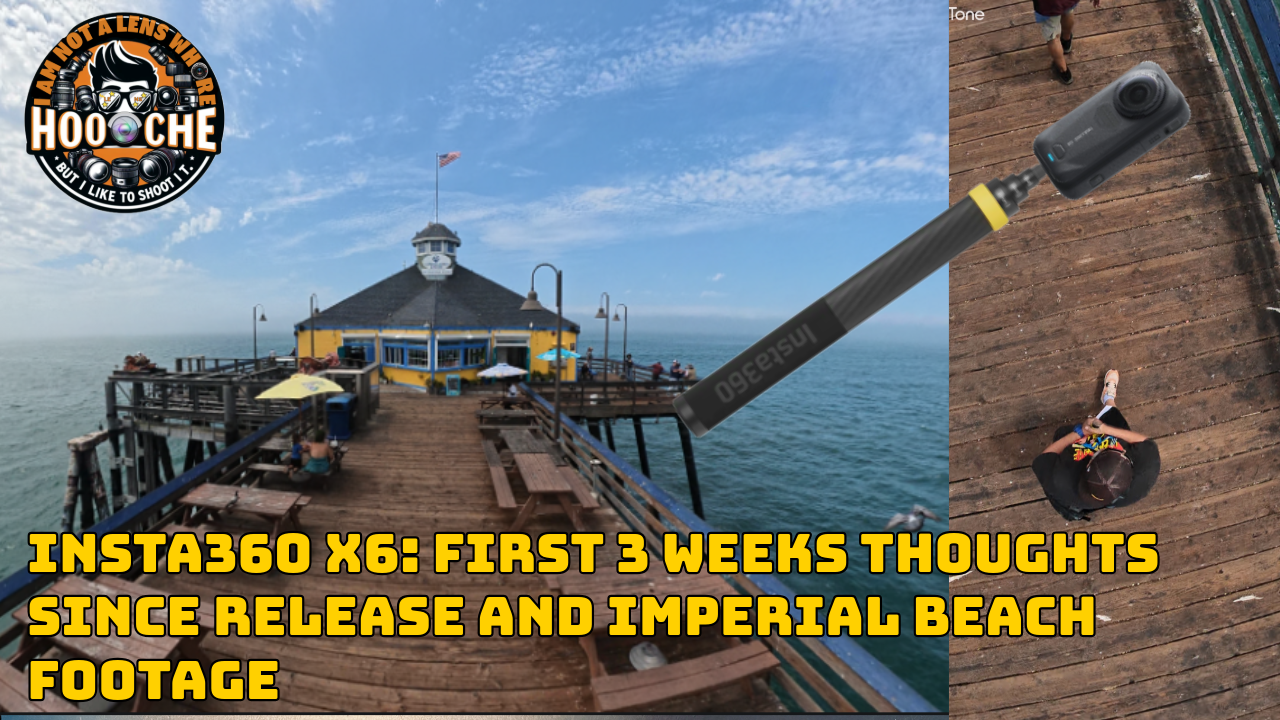
In this Article, I share my first 3 weeks of real‑world experience with the Insta360 X6 — from