


Marco is a photography/videography gear tester based in San Diego. He has reviewed more than 50 lenses across Sony, Nikon, and classic manual‑focus systems, specializing in real‑world testing and creative experiments.
Marco is a photography/videography gear tester based in San Diego. He has reviewed more than 50 lenses across Sony, Nikon, and classic manual‑focus systems, specializing in real‑world testing and creative experiments.
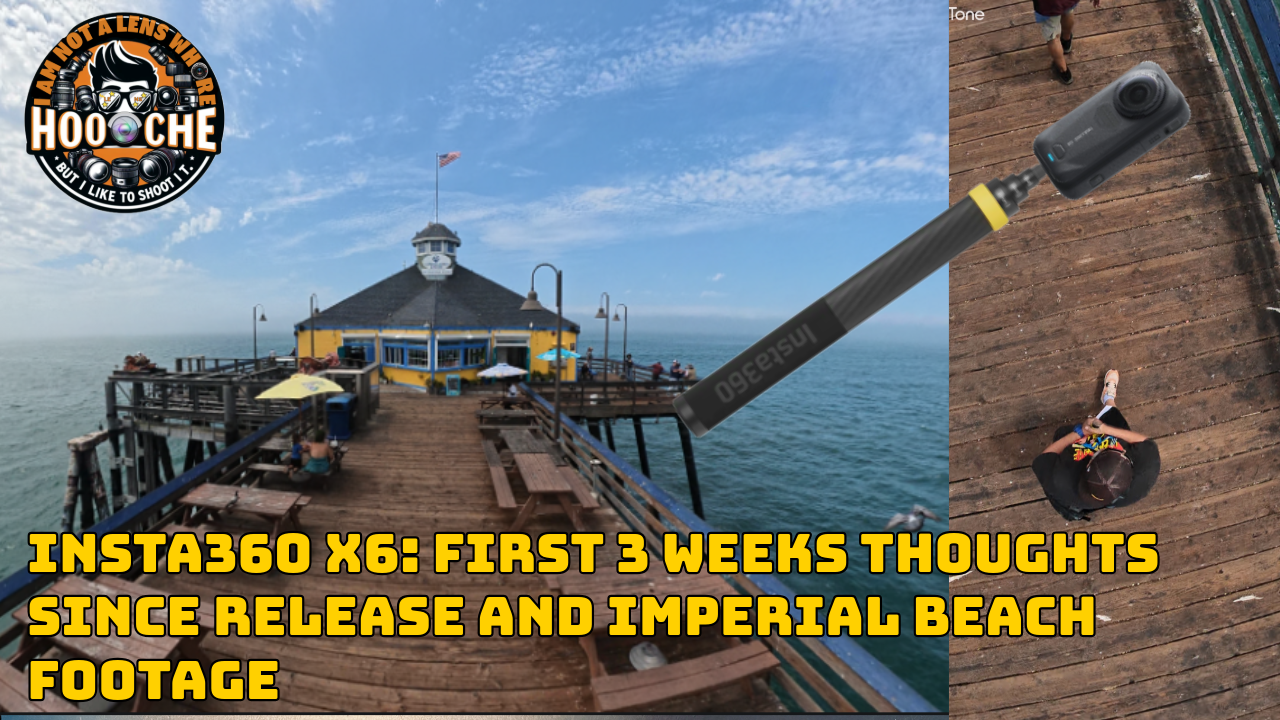
In this Article, I share my first 3 weeks of real‑world experience with the Insta360 X6 — from

GoPro 13 Unboxing My Favorite GoPro 13 shot at Petco Park Connect your DJI MIC 2 Monday Day Off POV